Photo 0.9.0
Photo
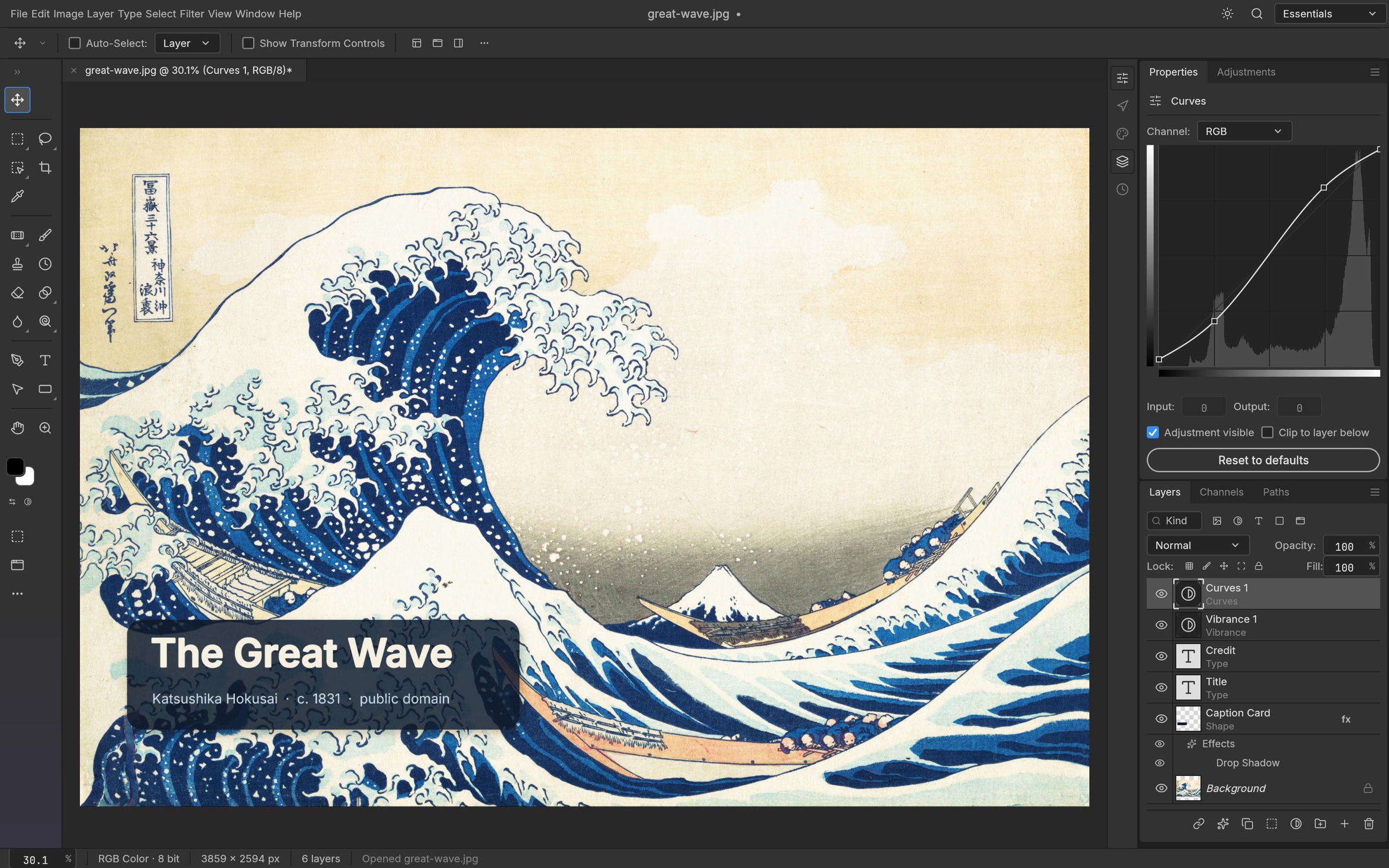
Edit photographs and layered graphics in your browser with selections, masks, color adjustments, painting, editable text, vector shapes and image export.
Build with layers. Refine colour. Add words in Amharic or English. Bring your images into a capable editor that runs right in your browser.
Your content stays on your device. No account required. Private by design →
Your documents, photos and everything you type are edited locally in your browser. They are not uploaded to our servers for processing.
Open a file from your computer, make it your own, and save a copy to your device. There is no cloud file account to create.
How local editing protects your content →Explore what each tool can do, then follow the guides to make it your own.
Edit photographs and layered graphics in your browser with selections, masks, color adjustments, painting, editable text, vector shapes and image export.
Understand the tools, follow practical steps, and check file compatibility before you begin. These guides cover the browser editions, including their limitations.
Browse all documentation →Use the phonetic keyboard to turn familiar Latin keystrokes into Ethiopic text, or choose characters on screen. Switch typing modes without changing your document.
Learn Amharic typing →No account or installation is required to open the photo editor. Use a modern browser with WebAssembly support. A desktop or laptop with a keyboard and mouse provides the most practical editing workspace.
Use the editor’s Save or Save As command and keep the downloaded file. Export creates a file for sharing; it may not preserve everything needed for future editing. Do not rely on a browser tab as your only copy. Save before closing, reloading, or switching editors.
Yes. The editors include Amharic interface controls, a phonetic Ethiopic keyboard, and an on-screen keyboard. In Amharic typing mode, enter selam followed by Space to write ሰላም. Use Ctrl+Alt+E to switch typing modes. Interface language and typing mode are separate controls.
Your documents, images, spreadsheet values and typed text are processed locally in your browser, without uploading them to our servers for editing. Amharic input also runs on your device. Save or export keeps a file on your device. Loading pages, fonts and application assets still makes normal website requests; see the privacy page for details.