Read Camera Raw histograms and scopes
Use tonal zones, clipping warnings, colour probes and vectorscopes while understanding preview and PSD limits.
Applies to Photo 0.9.0 on photo.et.
The browser uses a reduced preview. These scopes describe SDR editing; float input alone does not establish HDR display support.
What this reference covers#
A clean-room implementation of Camera Raw's SDR histogram interaction and vectorscope, based on Adobe's public documentation. It does not claim numerical identity with Adobe's develop pipeline.
| Behaviour | Implementation |
|---|---|
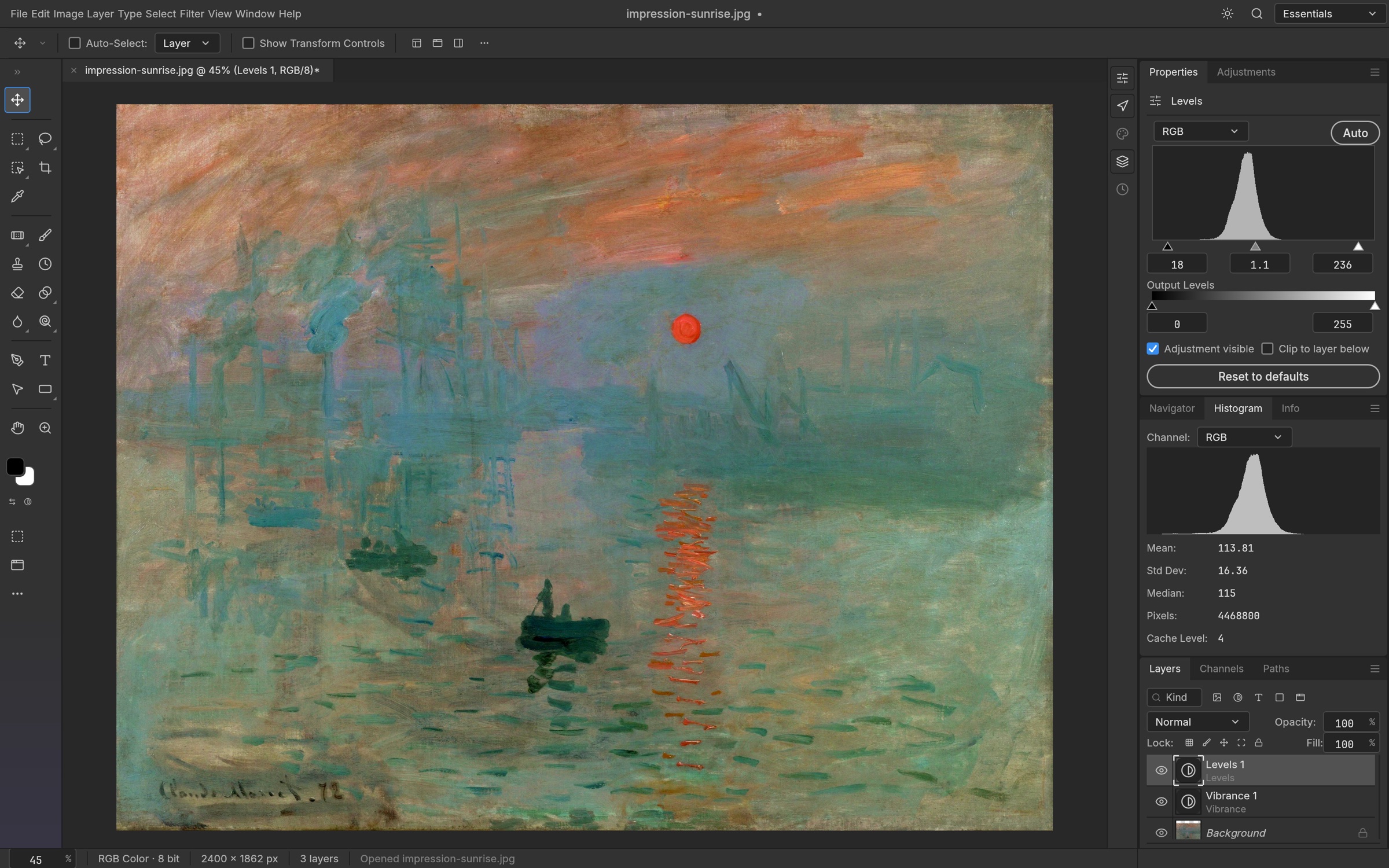
| RGB histogram | Continuous ribbons with additive overlap colours; display-only five-bin binomial smoothing over exact raw counts; edge spikes pinned and excluded from the auto-scale |
| Updates, Before/After | Counted from the same completed float proxy as the preview texture |
| Five tonal zones | Hover tooltip, horizontal drag and double-click reset of the existing Blacks / Shadows / Exposure / Highlights / Whites parameters |
| Clipping warnings | Exact per-channel endpoints (≤0 / ≥1); coloured triangles, U / O, blue / red preview overlays |
| Alt/Option diagnostics | Per-channel shadow or highlight clipping while Alt-dragging a Light tone slider or a histogram zone |
| Pixel hover | Tone band and RGB badge on the histogram; ICC-managed crosshair on the vectorscope |
| Readouts | RGB or Lab (document ICC profile → D50 Lab); up to nine movable probes (S, Alt-click removes) |
| Vectorscope | Hidden on opening, enabled from the context menu; 128×64 hue/saturation bins of the whole image or the document selection; red at 3 o'clock and skin-tone line options |
| Floating scopes | Resizable panel; drag it back onto the dock to restore |
| Preferences | Display options and panel geometry persist in the saved dialog preferences; probes and vectorscope visibility do not |
Adjust while reading the scopes#
The settings panel is grouped as Light, Color, Effects, Curve, Color Mixer, Color Grading and Detail, with the existing filter parameters and processing. The point Curve shares its editing model with Image › Adjustments › Curves and layer Properties : button-down hit testing, grab offsets, ordered points, endpoint protection, drag-off removal and re-entry, keyboard nudges and deletion, at most 16 points. Camera Raw commits one filter edit on OK; scope interaction never edits the document. Double-clicking a Camera Raw smart filter reopens this dialog with its stored settings and the pixels below it; OK updates that filter in place.
Preview accuracy in the browser#
The histogram is calculated from the completed preview proxy, capped at 900 pixels on its longest side. Transparent and non-finite pixels are excluded. Values outside the normal 0–1 range contribute to the edge bins and overflow counters. Thin details and feathered masks are approximate at this scale.
The vectorscope samples a bounded grid rather than every full-resolution pixel. Use it to compare the overall colour distribution and selection, not as proof that every pixel in the exported file matches an external application's output.
Camera Raw smart-filter compatibility#
The verified PSD mapping covers a subset of Camera Raw settings. Recognized settings can reopen as a live smart filter; unsupported processing fields can leave an imported filter opaque, with its descriptor retained for saving but without editable or re-renderable settings. Some PSD sliders round to integer values when exported.
Manual lens corrections, RAW Kelvin white balance, masks and HDR need additional mapping or rendering support. Matching slider values does not guarantee matching Adobe Camera Raw pixels. Inspect the exported result in its destination application when visual compatibility matters.
Continue reading
Sources and edition notes
Adapted for the browser edition from the pinned PhotoCraft 0.9.0 source. Upstream documentation may also describe desktop workflows.
- docs/camera-raw-histogram.md — Adapted from the upstream documentation for this pinned release.
Try it in Photo
Save your work before leaving the editor. Review the editor overview for file formats and browser limitations.
Open Photo ↗